
Personal Home Server
Used:





Somewhere in October 2024 I decided to create my own home server. I searched online for a second-hand computer for this project.
Found one on Carousell being sold for $40, and decided to upgrade it with more storage.
This was my first time repairing/reconstructing a computer, as I've only used laptops up until then.
Found one on Carousell being sold for $40, and decided to upgrade it with more storage.
This was my first time repairing/reconstructing a computer, as I've only used laptops up until then.
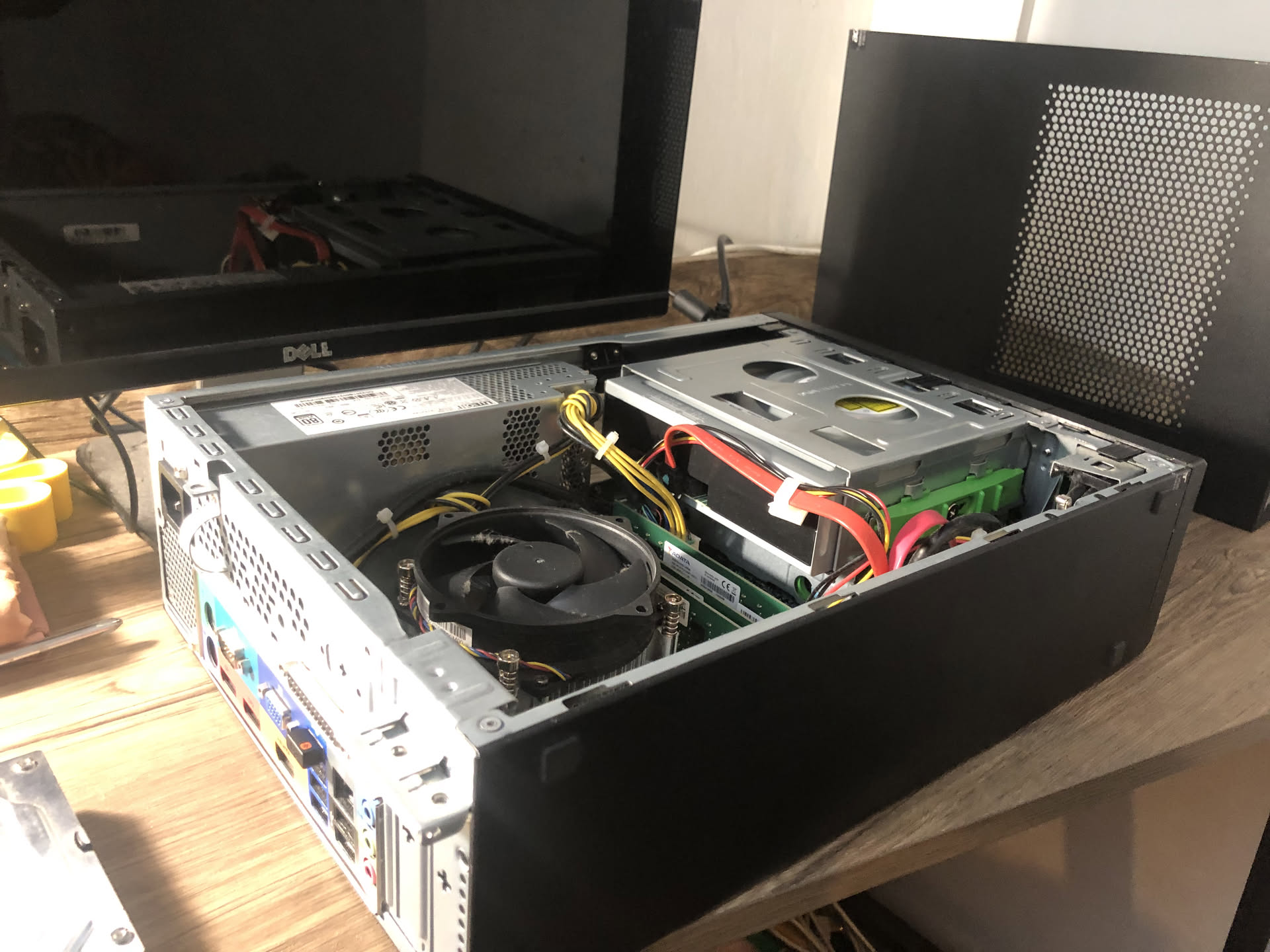
I added another HDD to this Acer Veriton, and so the specs of the computer are:
- Intel Core i3-6100 @ 3.70GHz
- 12GB RAM
- 675GB Storage
- Integrated Intel HD Graphics 530
(Yes, these specs are noob but in the future I would get better computing power to perform bigger tasks)
- Intel Core i3-6100 @ 3.70GHz
- 12GB RAM
- 675GB Storage
- Integrated Intel HD Graphics 530
(Yes, these specs are noob but in the future I would get better computing power to perform bigger tasks)
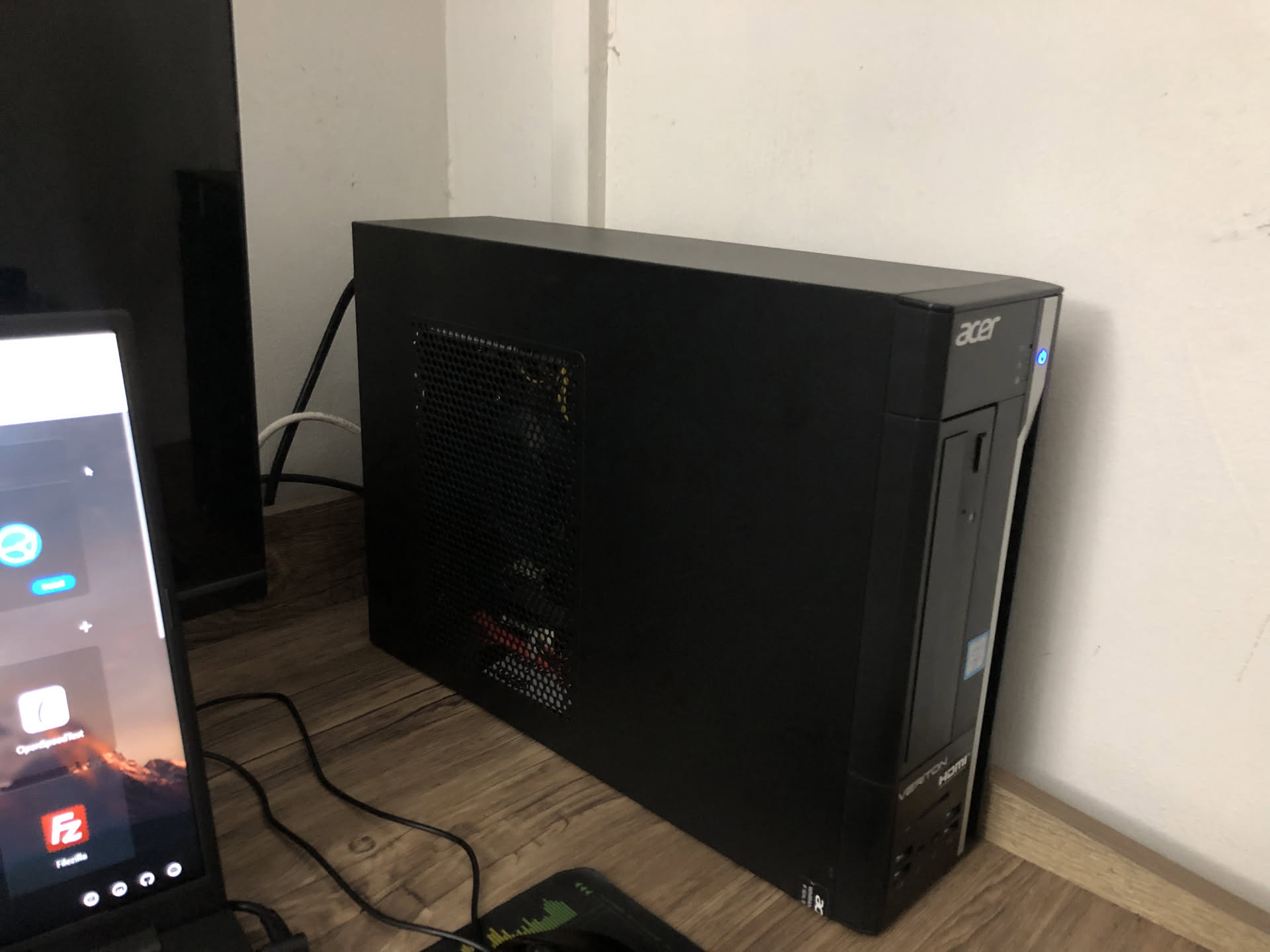
I did not want to pay for Windows so I wanted a free, lightweight, and easy-to-use operating system. I went for Debian, a Linux distro.

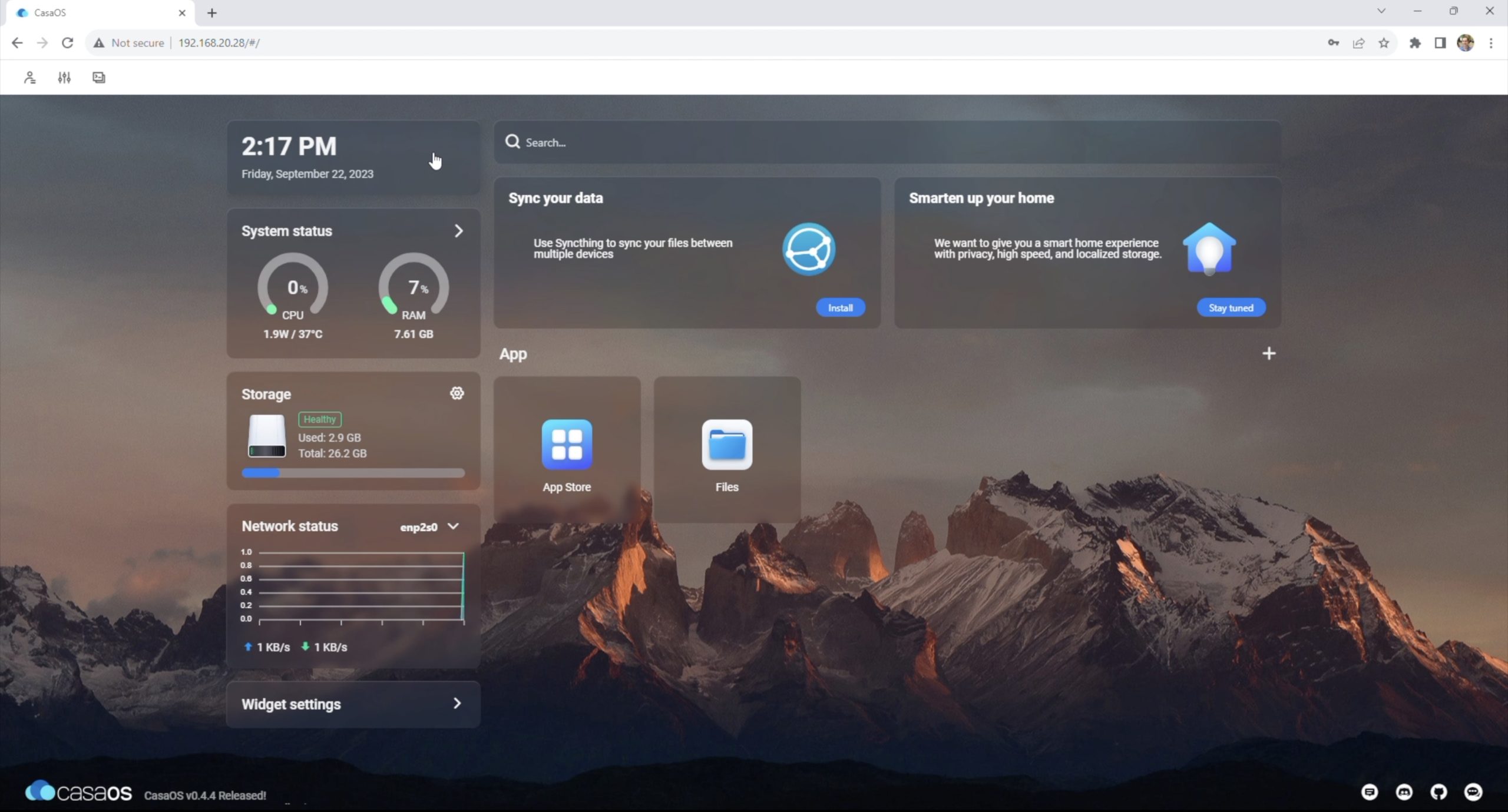
In order to run the server, I needed a dashboard. I used CasaOS as it was easy to use and navigate, and it had a simple modern look.
The main purpose of creating this home server was to store photos and videos. I used Immich as I also can upload photos from my phone with their mobile app.

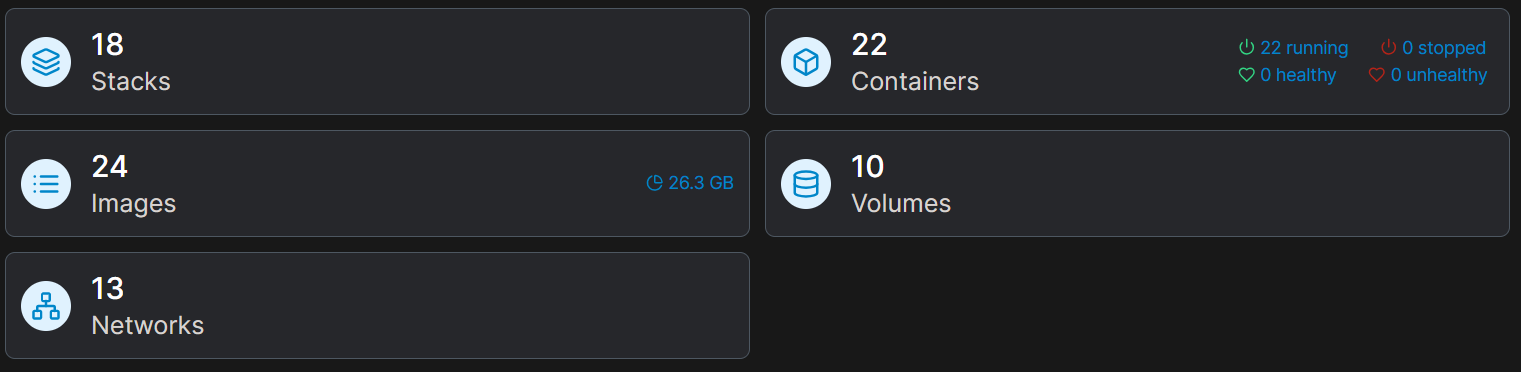
Portainer is an app I use to monitor all the containers running on my server.
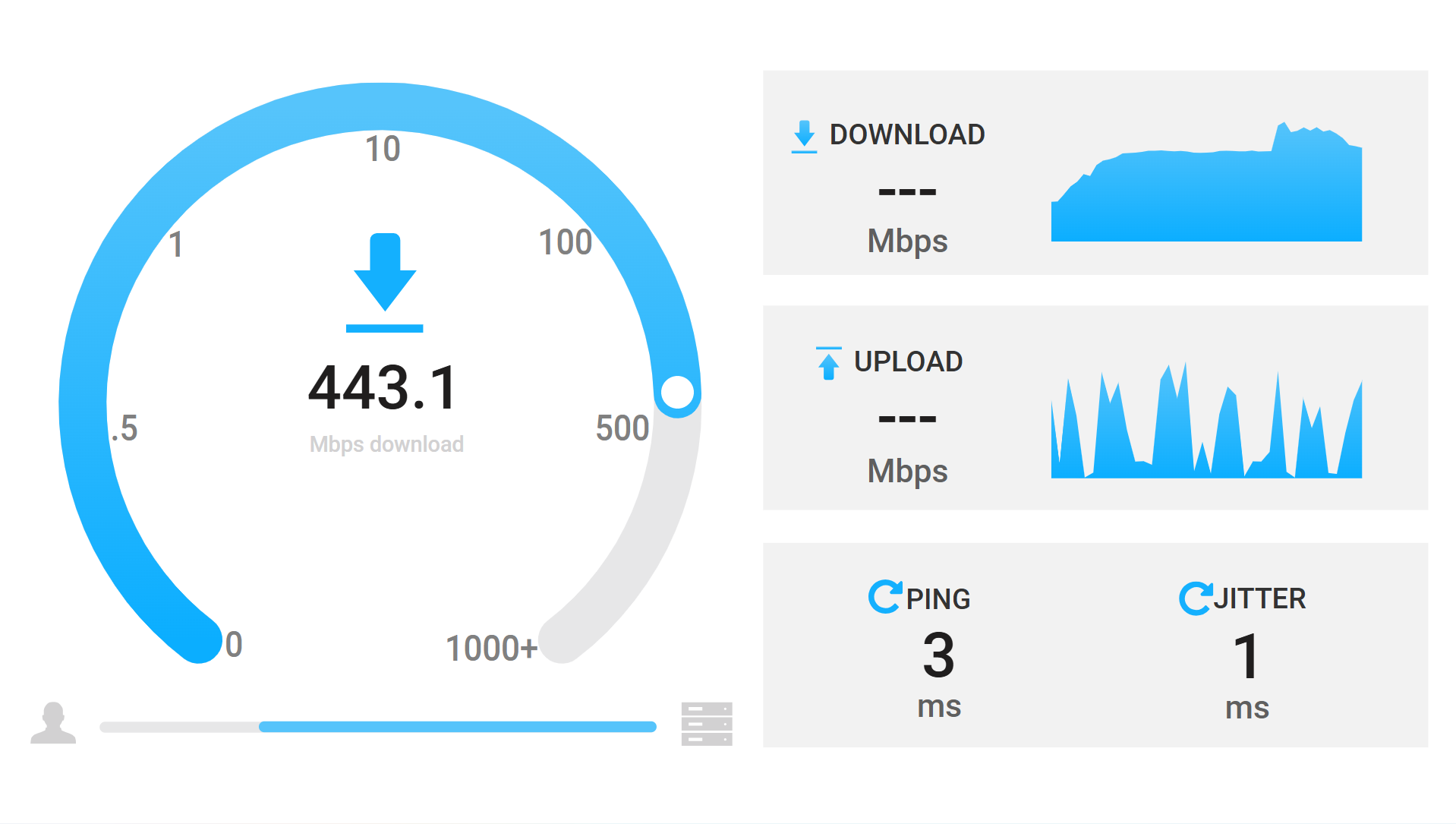
Heres a speedtest app on my server.
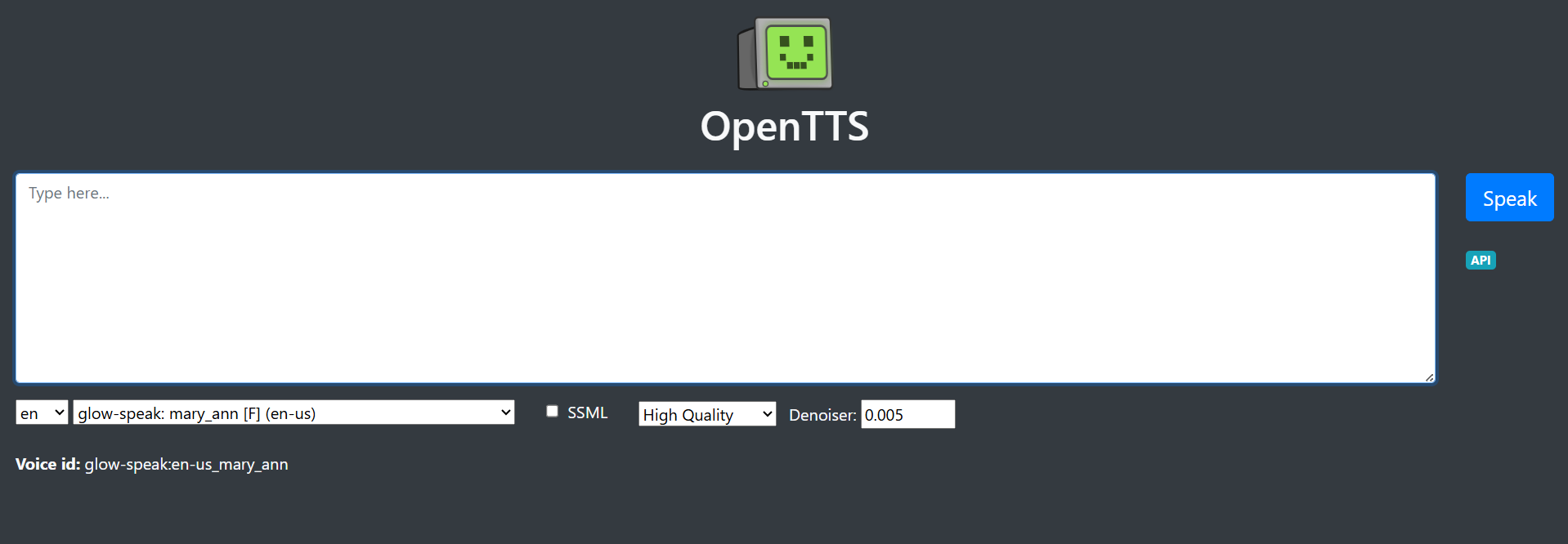
I also run some open source AI stuff like this Text-To-Speech website that can be visited here.
To be able to access my websites on the internet, I bought a domain and used Cloudflare tunnels.

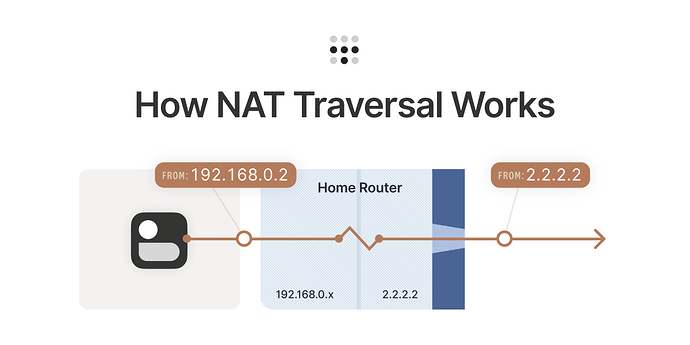
However, I could not work on my server if I was not at home, I needed a way to remotely access my server on the internet. To do that, I used Tailscale, allowing me to access my home network from anywhere.
To run my static websites like my food stall website, I used Nginx where I just had to copy the files into the contianer, and link the IP to my domain.
But for dynamic websites, like the one for my XenSSS Smart Shelf, I learnt how to use Docker and dockerise the website files, and then run the container on the server.
But for dynamic websites, like the one for my XenSSS Smart Shelf, I learnt how to use Docker and dockerise the website files, and then run the container on the server.